Documentation
MoPPy is a python library that implements several movement primitives for robotics.
1. Testing Status

2. Getting Started
Warning
Moppy is currently a private Python package, which means it cannot be installed from the Python Package Index (PyPI) or other public repositories. Instead, you can install it directly from the GitHub repository.
2.1 Install the Library from GitHub
2.1.1 Install the Library from GitHub
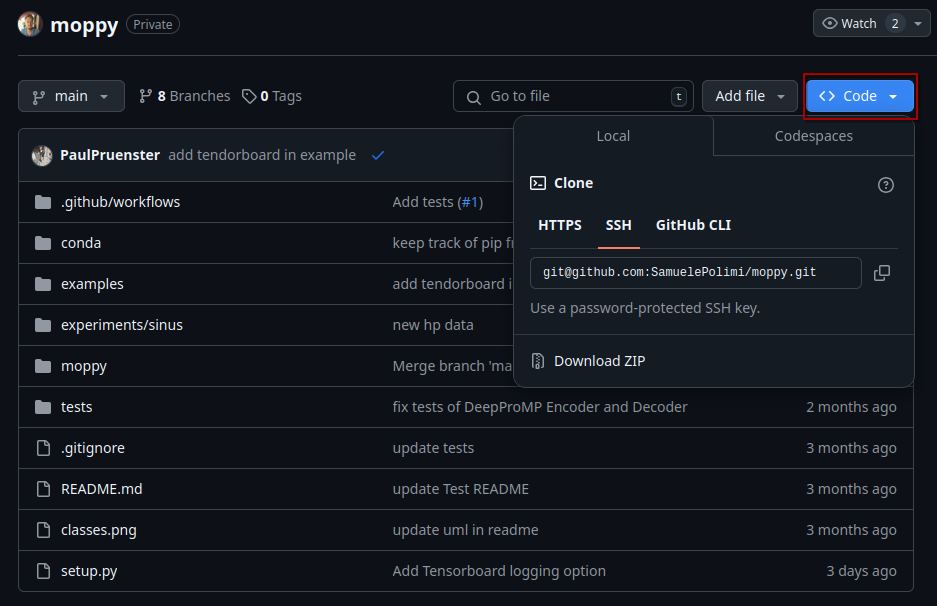
To install Moppy, use the following command in your terminal. Make sure you have cloned the repository to your local machine or are in the root directory of the cloned repository.
2.1.2 Continuous Development
If you're actively developing Moppy and want to make changes to the code, you can install it in "editable" mode using the -e flag. This allows you to modify the source code and have those changes reflected immediately without needing to reinstall the package.
To install Moppy in editable mode, use the following command:
2.1.3 Alternative: Installing Directly from GitHub
If you prefer to install Moppy directly from GitHub without cloning the repository, you can use the following command, replacing USERNAME with your GitHub username and REPO with the repository name:
You can now use this library in another project!
2.2 Creating the conda enviroment
If you want to use a conda enviroment, you can create the envirement using following command:
3. Examples
Take a look in the example folder, where you can find multiple implementations showcasing the functionality of the library.